
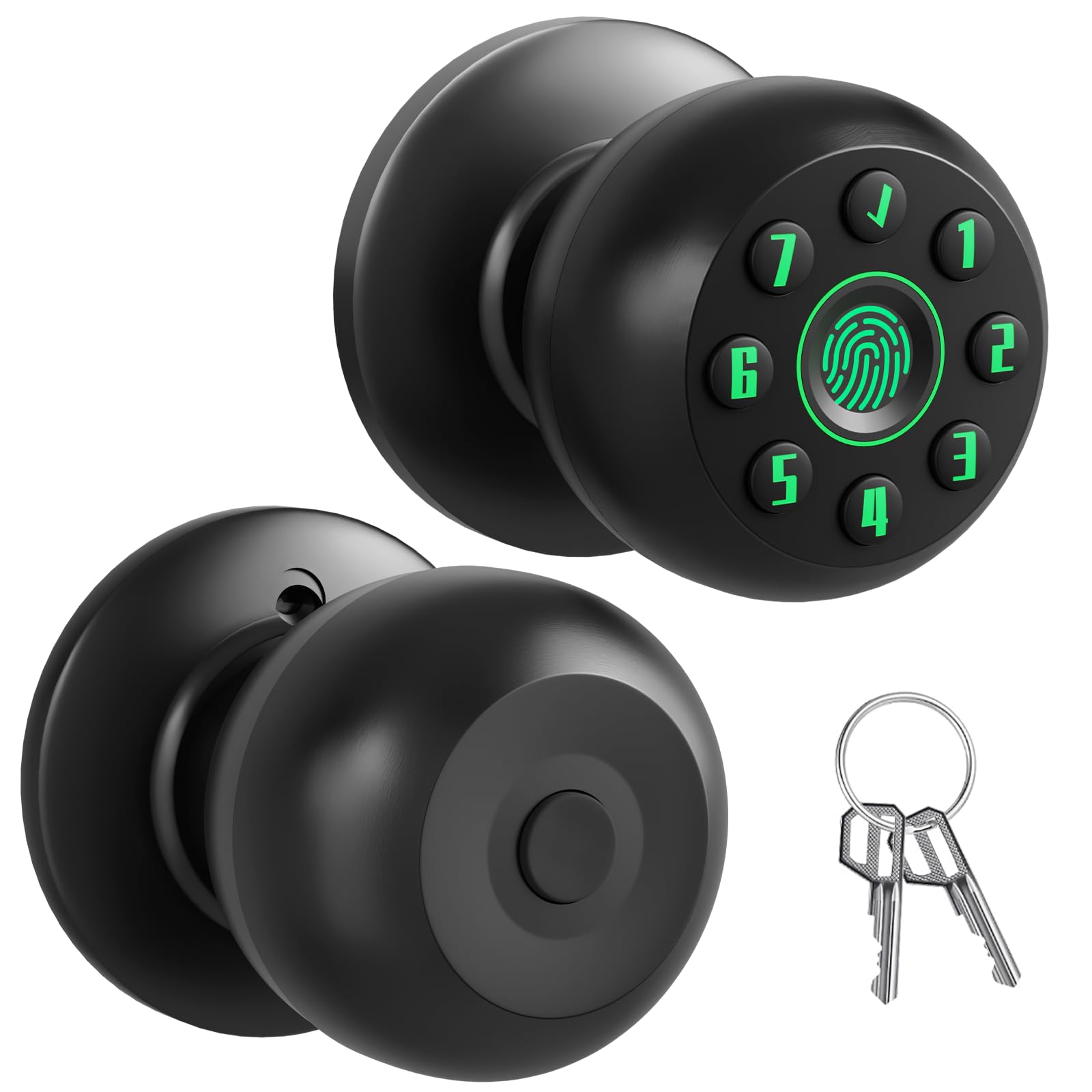

Smart Fingerprint Door Knob for Bedroom, Biometric Door Lock with Code & Key, Auto-Locking Thumbprint Door Knob for Interior Doors, Home Office Privacy Lock, Garage & Pantry
13 sold in last 24 hours
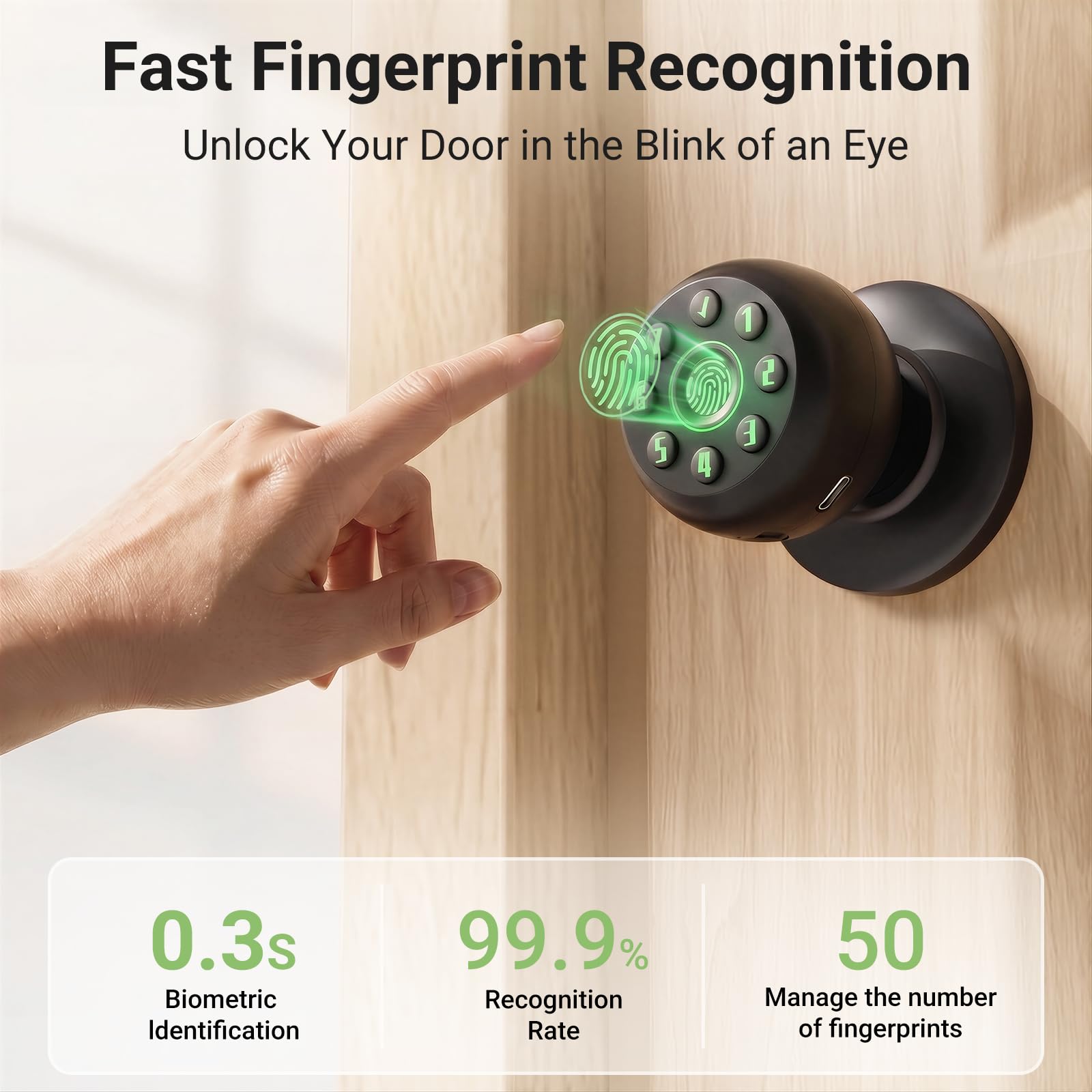
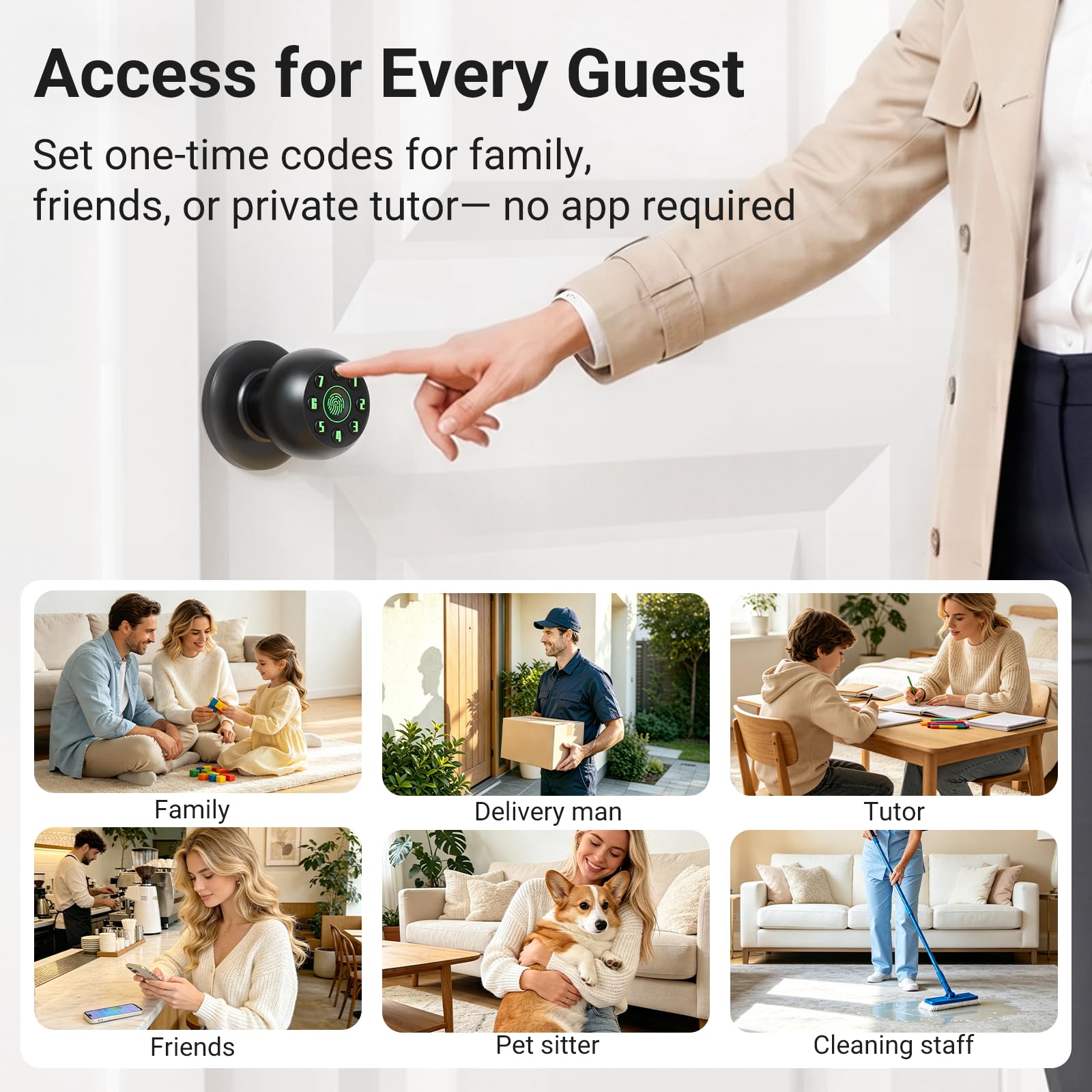
- 【0.1s Responsive Biometric Access】 Unlock your door instantly with the top-mounted sensor designed for a natural grip; Supports up to 50 fingerprint IDs and 50 user passcodes; The intelligent self-learning algorithm helps improve recognition speed and accuracy for every family member
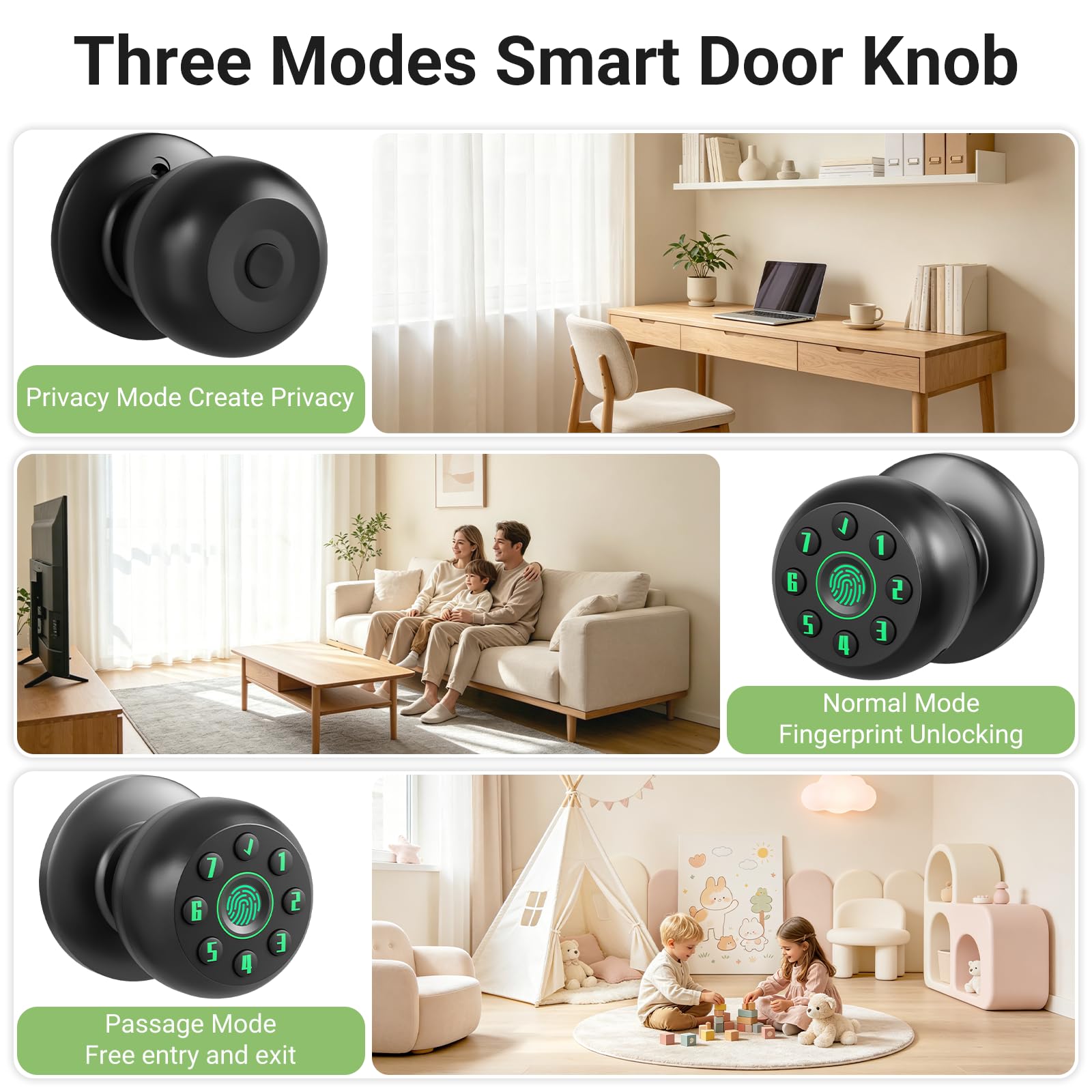
- 【Hidden Button & Local Data Storage】 Features a discreet push-button mode switch on the interior backplate to help prevent accidental bumps; Operates independently without Wi-Fi or apps for consistent performance; All sensitive data is securely stored locally on the device, avoiding cloud transmission risks
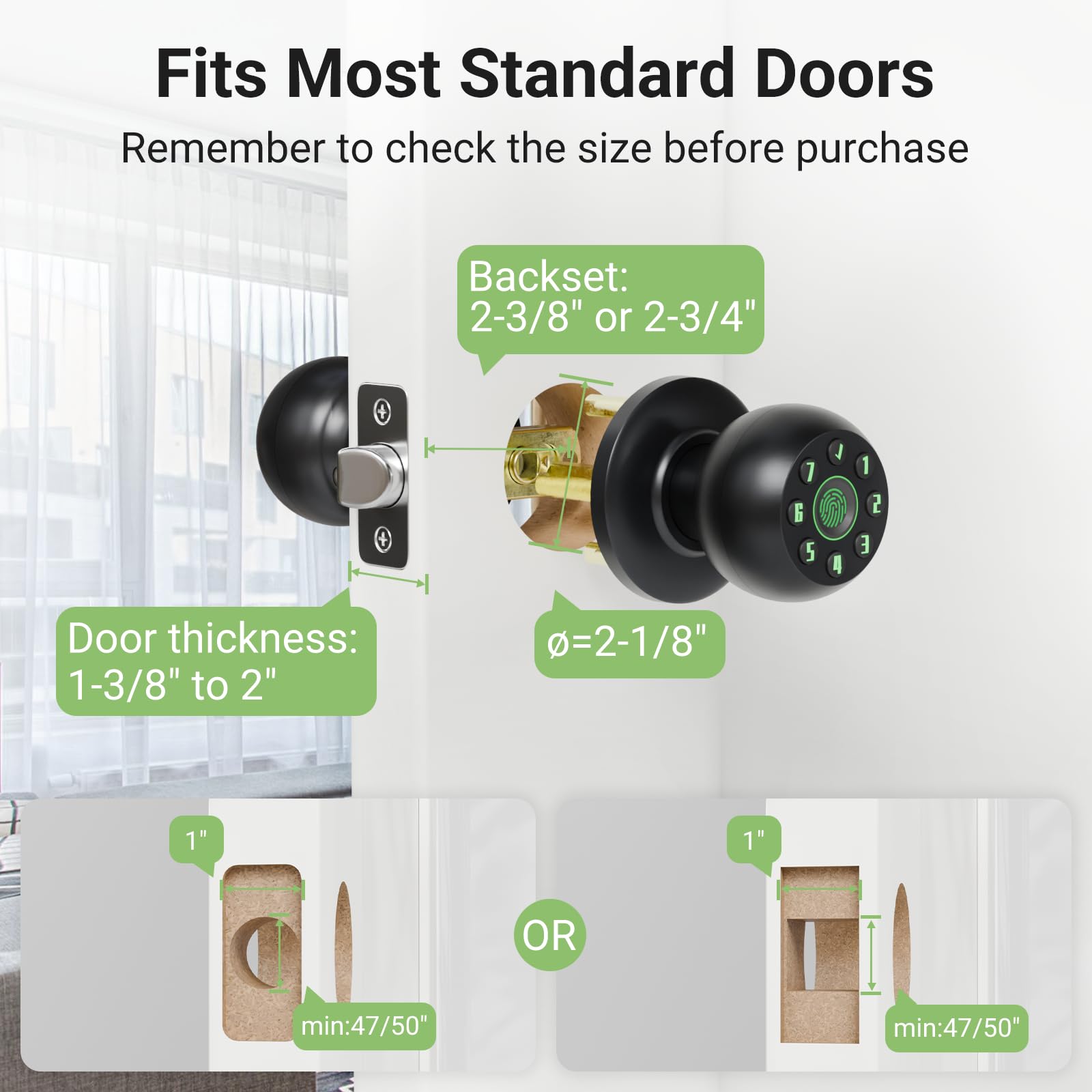
- 【4-Step DIY Installation】 Upgrade your home security in minutes using only a Phillips screwdriver; Designed to fit most US standard doors (Thickness: 1-1/4" to 2-1/4" / 35-57mm) with an adjustable latch (2-3/8" or 2-3/4"); Compatible with both left and right-handed doors for bedrooms, offices, and garages
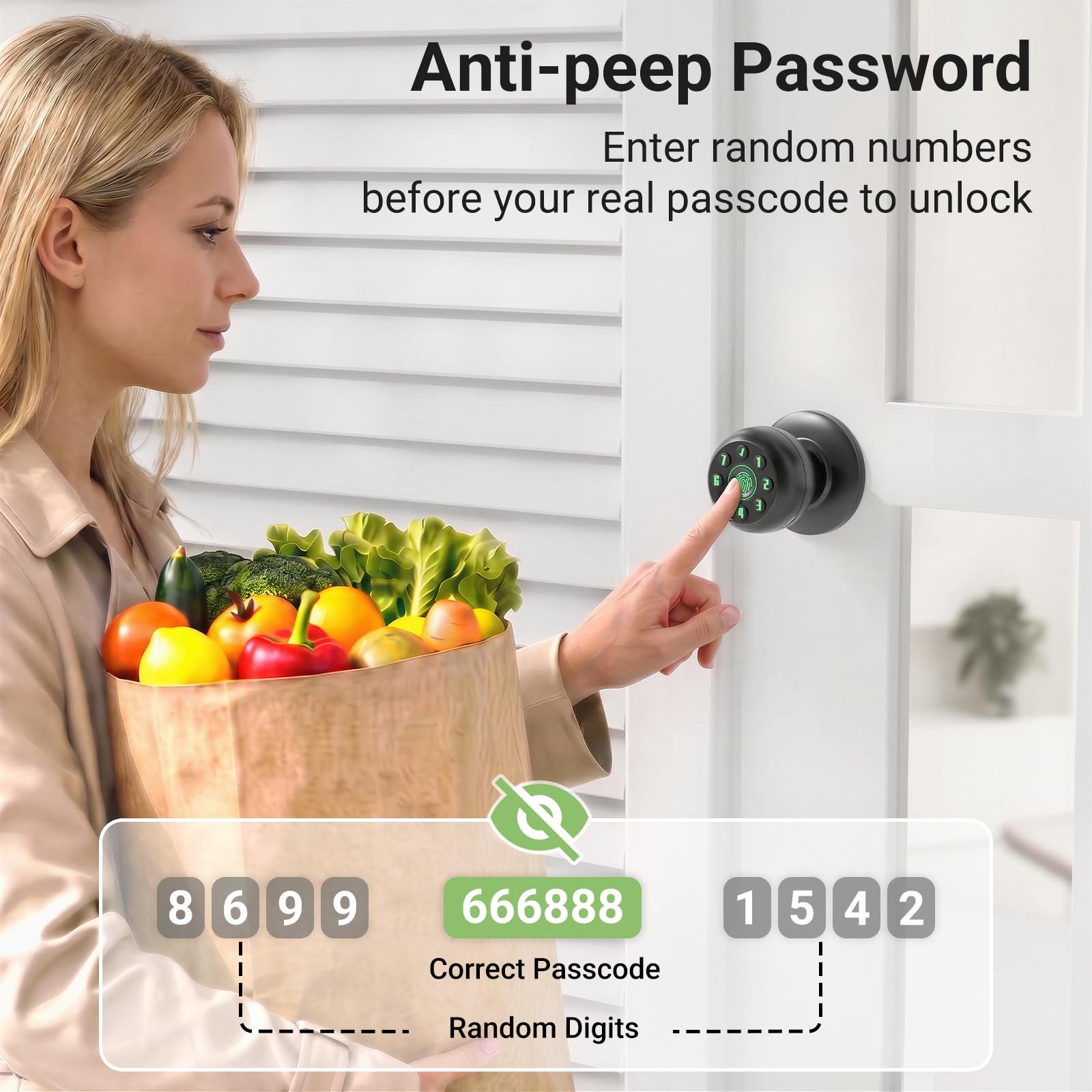
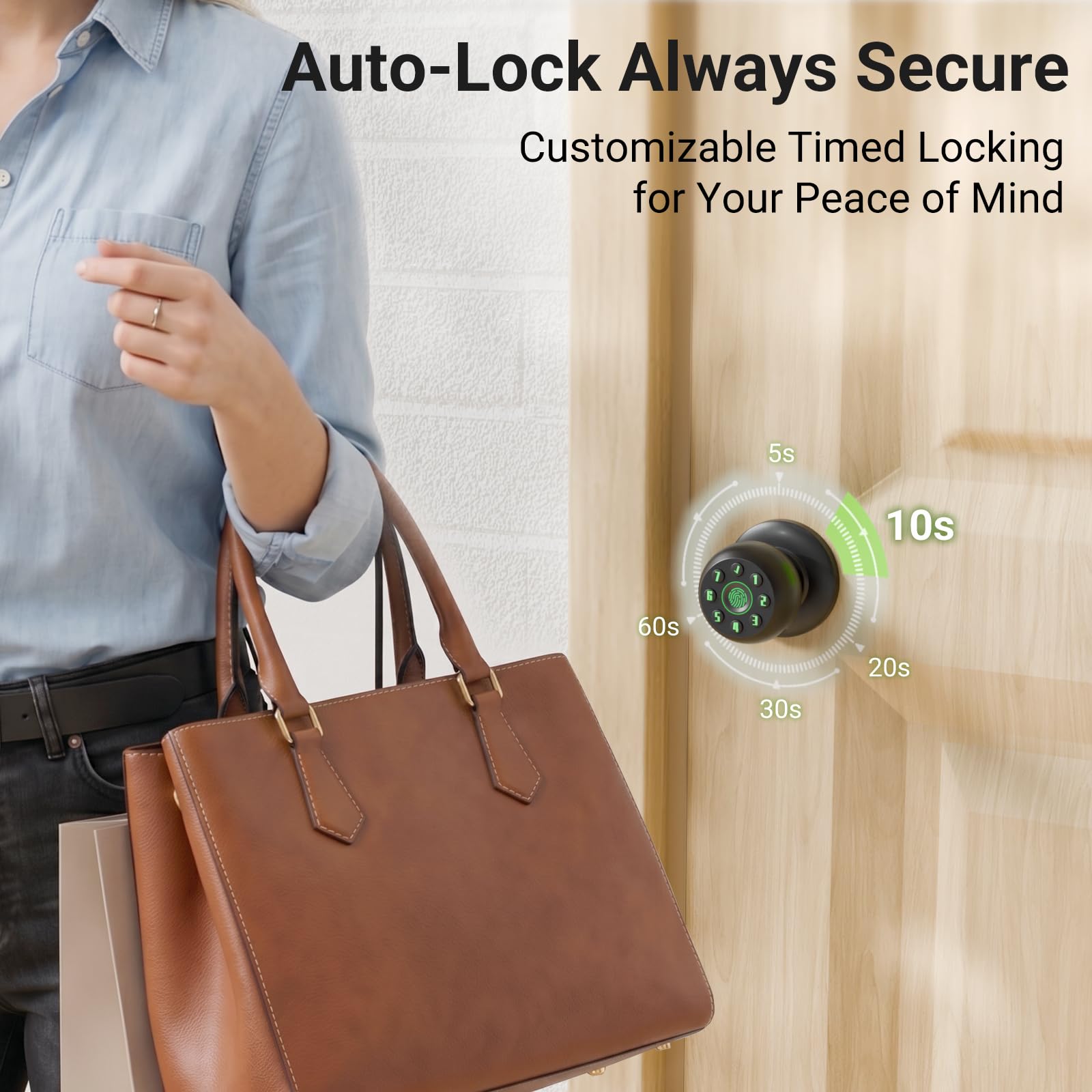
- 【Customizable Security Settings】 Set the auto-lock timer (5-30s adjustable) to suit your routine; The anti-peep keypad allows random digits before your real code to protect privacy; Manage settings via voice navigation and activate silent mode for late-night entries
- 【Reliable Power & Emergency Access】 Powered by 4 x AAA batteries (Not Included) for up to 1 year of use; Includes two physical backup keys and a Type-C emergency port for power bank charging if batteries run out; Crafted from durable zinc alloy for long-lasting indoor use
Tags |
Estimated shipping
Select a product to estimate shipping.Is this smart door knob complicated to install? Does it require professional installation?
Installation is straightforward and simple. All you need is a screwdriver, just tighten the screws with a screwdriver and install easily in minutes.
If I'm using rechargeable batteries, can I charge this smart door knob?
It cannot be used for charging. The type-c is only for emergency charging and unlocking the door when the battery is depleted.
If the battery runs out, how do I open the door?
Ensure the battery is properly installed inside. Then, use the emergency power supply to charge the smart door handle via the Type-C port. If you don't have an emergency power supply, you can also unlock the door with the key.
Since this lock uses an electronic deadbolt, how can I be sure my door is successfully locked?
Press the deadbolt button, and the lock's buzzer will provide a voice prompt.
Since this lock uses Bluetooth control, will it be inconvenient for me to use?
If you're using it at home, there's no need to worry about this issue. Its coverage range is typically within ten meters.
Product details


| Main Specification | |
|---|---|
| Manufacturer | Rafeciee |
| Unit Count | 1 Count |
| Lock Type | Fingerprint |
| Specific Uses For Product | Door |
| Handle Material | Zinc |
| Exterior Finish | Zinc |
| Metal Type | Aluminum |
| Hand Orientation | Ambidextrous |
| Brand | Rafeciee |
| Number of Items | 1 |
| Shape | Round |
| Included Components | Lock And Key |
| Product Dimensions | 8.74"L x 6.5"W |
| Material | Aluminum |
| Colour | Black |
| Technical Details | |
| Manufacturer Part Number | AUS00110-04101-1111FBA01 |
| Handle Attachment Mechanism | Screw |
| Material Type | Aluminum |
| Handle Type | Pull Handle |
| Handle Compatibility | Size Specific |
| Item details | |
| Indoor Outdoor Usage | Outdoor or Indoor |
| Model Number | G99 Black |
| Features & Specs | |
| Additional Features | Auto Lock |
| Others | |
| Product Type | Door Knobs |
| Item Dimensions L x W | 8.74"L x 6.5"W |